 Essential Mac Apps
Klack
Satisfying sound with every keystroke.
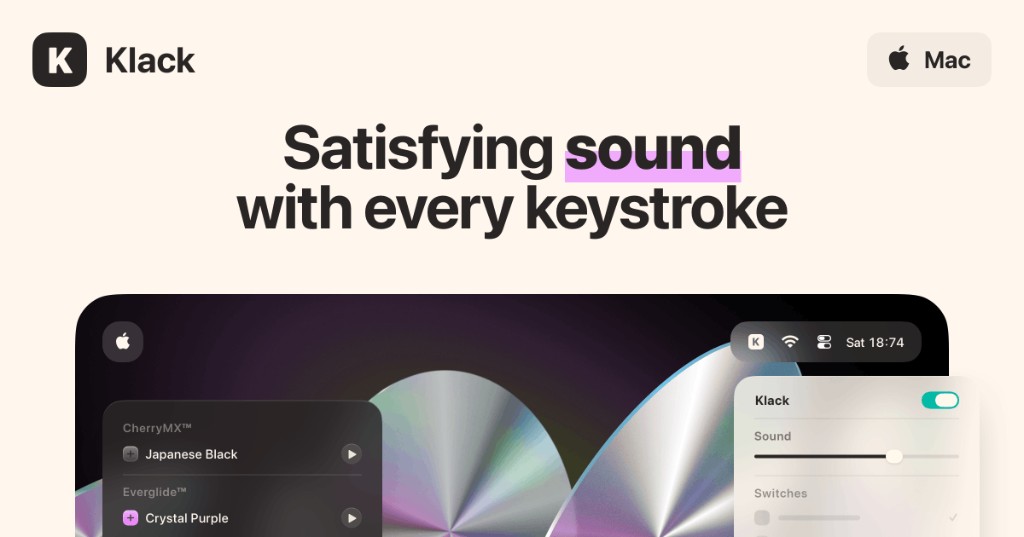
Klack plays a keyboard sound on your Mac each time you press a key. It lives in the menu bar, where you pick a switch set, set the volume, and turn the sound on or off.
The site lists switch sets such as CherryMX Japanese Black, Everglide Crystal Purple, Oreo, Flurples Cardboard, Gateron Milky Yellow, Keychron Super Red, and NovelKeys Cream. Each set is a collection of recorded keystrokes. Klack plays separate sounds for key down and key up, and it varies the pitch. It can also play mouse clicks and scroll sounds, and it can pause during screen sharing, Focus, media, or a calendar event.
Klack needs Accessibility access so it can hear keystrokes. If the sound stops, remove Klack from the accessibility list, restart the Mac, and run setup again. Its volume cannot go above the Mac system volume.
Klack is a one-time purchase, and later updates are included. There is a standalone download and a separate Mac App Store version. They are sold separately. One license covers up to 5 devices.
Frequently asked questions
Is there a free trial?
You can preview each switch on tryklack.com. There is no trial inside the app. If you buy it and change your mind, you can request a full refund within 14 days. App Store refunds go through Apple.
What is the difference between the two versions?
The standalone app and the Mac App Store app are sold separately. Buying one does not unlock the other. The site says the standalone version can include features that the App Store does not allow.
How many Macs does a license cover?
Up to 5 devices at a time. You can recover a license from the recovery page on tryklack.com.
Does Klack add typing lag?
The FAQ says Klack does not add latency. A Bluetooth keyboard can. Klack also cannot set its own volume above the current system volume.
Why is there no sound?
Klack may have lost Accessibility permission. Remove it from the accessibility list, restart the Mac, and go through setup again.
Does Klack collect data?
The privacy policy says Klack collects no data and no personal information.
Gallery
Related apps

Alcove
Dynamic Island for your Mac.
UtilitiesPaidAdded Oct 9, 2026
Compresto
Video, image, and PDF compression for macOS.
UtilitiesPaidAdded Oct 9, 2026Firefox
Web browser from Mozilla.
UtilitiesFreeAdded Oct 9, 2025
LookAway
Smart break reminder for your Mac.
UtilitiesPaidAdded Oct 9, 2026
Maccy
Lightweight clipboard manager for Mac.
UtilitiesFreeAdded Oct 9, 2026
Mole
Native Mac utility for cleanup, software, and status.
UtilitiesPaidAdded Oct 9, 2026
Alternatives
No alternatives listed yet.