 Essential Mac Apps
VLC
Free media player for Mac.
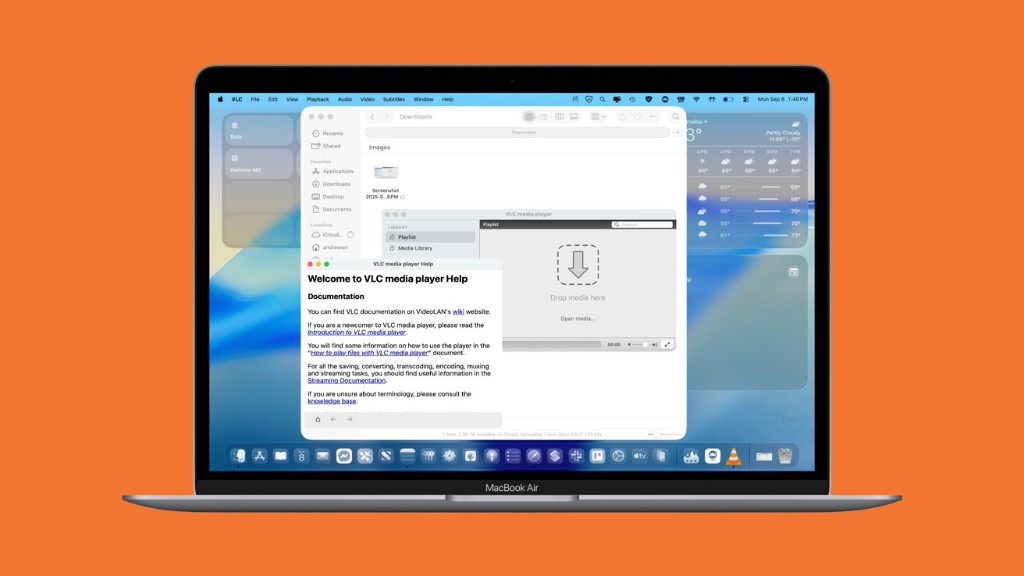
VLC media player plays video and audio on a Mac. VideoLAN says it plays most multimedia files, plus DVDs, audio CDs, VCDs, and streams, without a separate codec pack. Formats named on the site include MPEG-2, MPEG-4, H.264, MKV, WebM, WMV, and MP3.
It can also play from a webcam or another device. Skins change the look, including skins made in the VLC skin editor, and extensions add features.
VLC is free and open source. VideoLAN, the non-profit behind it, says the player does not show ads and does not track users. The Mac download page offers an Intel build, an Apple Silicon build, and a universal build.
The current Mac release needs Mac OS X 10.7.5 or later, on a 64-bit Intel Mac or an Apple Silicon Mac. Older Macs are pointed at older VLC releases, and those older releases no longer receive updates.
Frequently asked questions
Is VLC free?
Yes. The download from videolan.org is free, and the project is open source.
Which Macs can run it?
The current release needs Mac OS X 10.7.5 or later and a 64-bit Intel processor or an Apple Silicon chip. The download page has an Intel package, an Apple Silicon package, and a universal build.
What can it play?
Files, discs, webcams, devices, and streams. The site lists MPEG-2, MPEG-4, H.264, MKV, WebM, WMV, and MP3, and says a codec pack is not required.
Can I change how it looks?
Yes. VLC supports skins, including ones made with the VLC skin editor, and you can install extensions.
Does VLC track me?
VideoLAN says the player does not show ads and does not track users.
Where do I download it?
From videolan.org. That site is the official source for the Mac download. VideoLAN also offers VLC for iPhone, iPad, and Apple TV.
Gallery
Related apps

Alternatives
No alternatives listed yet.